
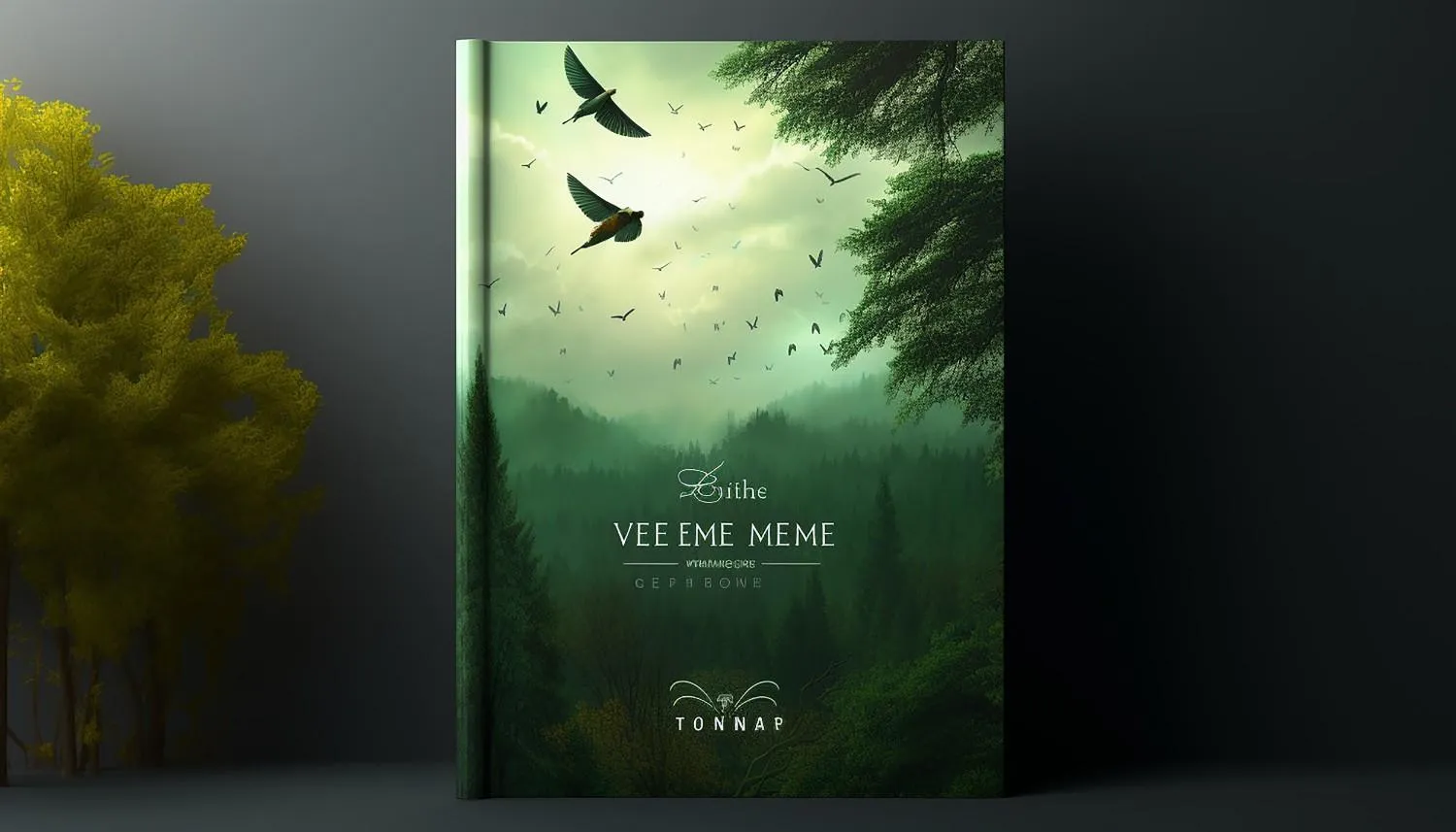
To design a standout book cover for Amazon KDP and Apple Books, you must focus on clear thumbnail visibility, genre expectations, and professional typography. These core elements grab a reader’s attention instantly when they browse small screens online.
Thumbnail Visibility
- Big bold titles for small screens
- High contrast colors to pop out
- Simple images instead of busy art
- Small size test on phone screens
Genre Rules
- Match top books in your category
- Use right fonts for your style
- Clear clues about your story
- No mixed signals for buyers
Technical Setup
- Check KDP size rules first
- Check Apple Books pixel needs
- High-resolution files only
- RGB color for digital screens
To design book cover Amazon KDP and Apple Books readers can recognize at thumbnail size, start with one visual idea, readable type, genre cues, and separate digital and print files. A crowded or mis-sized cover becomes hard to read and may fail a platform check. Therefore, design for the storefront first, then export to each platform’s specifications.
Key Takeaways
- Judge every concept at small thumbnail size before refining details.
- Match imagery, type, and mood to the genre and audience.
- Prepare separate RGB eBook files and print-ready KDP cover files.
- Check metadata, bleed, spine width, and barcode space before upload.
Why does thumbnail size change cover design
A storefront cover must communicate before a shopper opens the product page. According to Apple Books for Authors, type should stay legible and imagery should remain clear on the app’s main page, Reading Now tab, and search results. Therefore, detailed scenes can turn into visual noise when reduced.
A useful starting point is a phone-size thumbnail test. If the title, focal image, and genre are unclear, the concept needs less detail or stronger contrast. Authors who need platform-ready artwork can consult Canadian Ghostwriters.
How should authors design book cover Amazon KDP files
Each store has different technical rules, so one master artwork should feed separate exports. According to Amazon KDP’s eBook Cover Image Criteria, its ideal eBook cover is 2,560 by 1,600 pixels, uses RGB color, and is supplied as JPEG or TIFF.
According to the Apple Books Asset Guide, cover art must use RGB color and should measure at least 1,400 pixels on the shorter axis. Apple accepts a high-quality JPEG or PNG and warns against enlarging small images to meet the minimum.
| Requirement | Amazon KDP eBook | Apple Books eBook |
| Color mode | RGB | RGB |
| Preferred or minimum size | 2,560 × 1,600 px ideal | 1,400 px or more on shorter axis |
| Accepted cover format | JPEG or TIFF | JPEG or PNG |
Artwork needs enough native detail for its intended export. For instance, custom characters or maps should be created at the final aspect ratio, not cropped from a small square. Authors who need original assets can add book illustration services before typography begins.
How should a self-published book cover be planned
A self-published book cover should begin with market positioning, not decoration. First, the designer should review current titles in the same category and note type styles, imagery, color moods, and title hierarchy. According to Apple Books for Authors, its Top Charts show cover patterns appearing in a genre.
However, genre research is not permission to copy. Amazon KDP’s Metadata Guidelines do not allow misleading covers that closely resemble another book’s layout, colors, fonts, or images. Instead, a cover should combine familiar genre signals with one distinct focal idea.
A practical creative brief should include the following items:
- The genre, subgenre, and intended reader
- The book’s central promise or emotional tone
- Exact title, subtitle, author, and series wording
- Required editions plus image and font licenses
Page count and trim size should be settled before a print wrap is built because they determine spine width. Consequently, cover production should follow interior setup or use book formatting support to avoid repeat exports.
Which design choices help a cover stand out
Clear hierarchy makes a cover easier to understand. Specifically, the title should lead, one image should carry the idea, and the author name should sit below it. Additionally, Apple Books for Authors advises removing needless elements.
Typography should match the subject without losing clarity. For example, a restrained serif can suit historical fiction, while a plain sans serif can support practical nonfiction. However, decorative type should not carry a long subtitle.
Color contrast should be checked in grayscale and full color. Meanwhile, the designer should view the title at phone, desktop, and print sizes. Since corrected wording must be replaced across several formats, subtitle review should finish before cover approval.
How should print and eBook cover files differ
An eBook cover is a front-only RGB image, while a KDP paperback uses one file containing the back, spine, and front. According to Amazon KDP’s paperback guidance, edge backgrounds must extend 0.125 inch beyond trim. In addition, print images should be CMYK, flattened, and at least 300 DPI.
According to Amazon KDP’s paperback guidance, spine text requires at least 79 pages and 0.0625 inch of space on each side. Moreover, front and back text should sit at least 0.125 inch inside trim lines, and cover text should be at least 7 points.
A JPEG made for an eBook cannot be stretched around a paperback without new layout work. Therefore, authors managing several editions may need self-publishing assistance to coordinate metadata, previews, and uploads.
What should be checked before upload
A final check should test communication and technical compliance. According to Amazon KDP’s Metadata Guidelines, the title, subtitle, author, and series details on the cover should match their metadata fields.
Then, the author or designer should complete this short review:
- The designer reduces the cover to store-thumbnail size.
- The designer confirms that the title reads without zooming.
- The designer inspects edges, gradients, and small text.
- The designer verifies RGB eBooks and CMYK KDP print files.
- The designer inspects bleed, trim, spine, and barcode space.
- The designer checks the format against the intended store.
Finally, view the cover beside current books in the same category. That comparison shows whether it fits reader expectations while retaining a distinct idea.
Frequently asked questions
What size should an Amazon KDP eBook cover be
The ideal Amazon KDP eBook cover is 2,560 by 1,600 pixels. According to Amazon KDP’s eBook Cover Image Criteria, the minimum is 1,000 by 625 pixels, and the ideal ratio is at least 1.6 to 1. The file should use RGB color and JPEG or TIFF format.
What size should an Apple Books cover be
An Apple Books cover design should measure at least 1,400 pixels on its shorter axis. According to the Apple Books Asset Guide, the image must use RGB color and be saved as a high-quality JPEG or PNG. Apple also recommends at least 300 DPI.
Can the same cover file be uploaded to both stores
One master design can supply both stores, but each export must meet its destination’s rules. Amazon KDP accepts JPEG or TIFF, while Apple Books accepts JPEG or PNG. Therefore, an RGB master can work when the designer makes separate files and checks each platform’s dimensions.
Does a paperback need a different cover
Yes, a paperback needs a full wrap with a back, spine, and front. According to Amazon KDP, its size depends on trim size, page count, paper, and binding choices. In contrast, an eBook needs only a front image, so it cannot replace a measured print PDF.
Should an author use KDP Cover Creator or hire a designer
KDP Cover Creator can suit a simple project with limited visual needs. However, custom design helps when a book needs original art, genre positioning, several editions, or a distinct series system. The choice depends on budget, rights, schedule, and the author’s ability to prepare compliant files.
What can authors learn from successful cover examples
Successful examples should be studied for principles, not copied. Before approval, authors can review successful cover examples and compare hierarchy, genre cues, image focus, and thumbnail clarity with their design.
Conclusion
To design book covers Amazon KDP and Apple Books shoppers can understand, an author needs clear hierarchy, genre positioning, thumbnail legibility, and separate exports. Finally, Canadian Ghostwriters can turn a finished manuscript and clear brief into files prepared for the intended storefront.